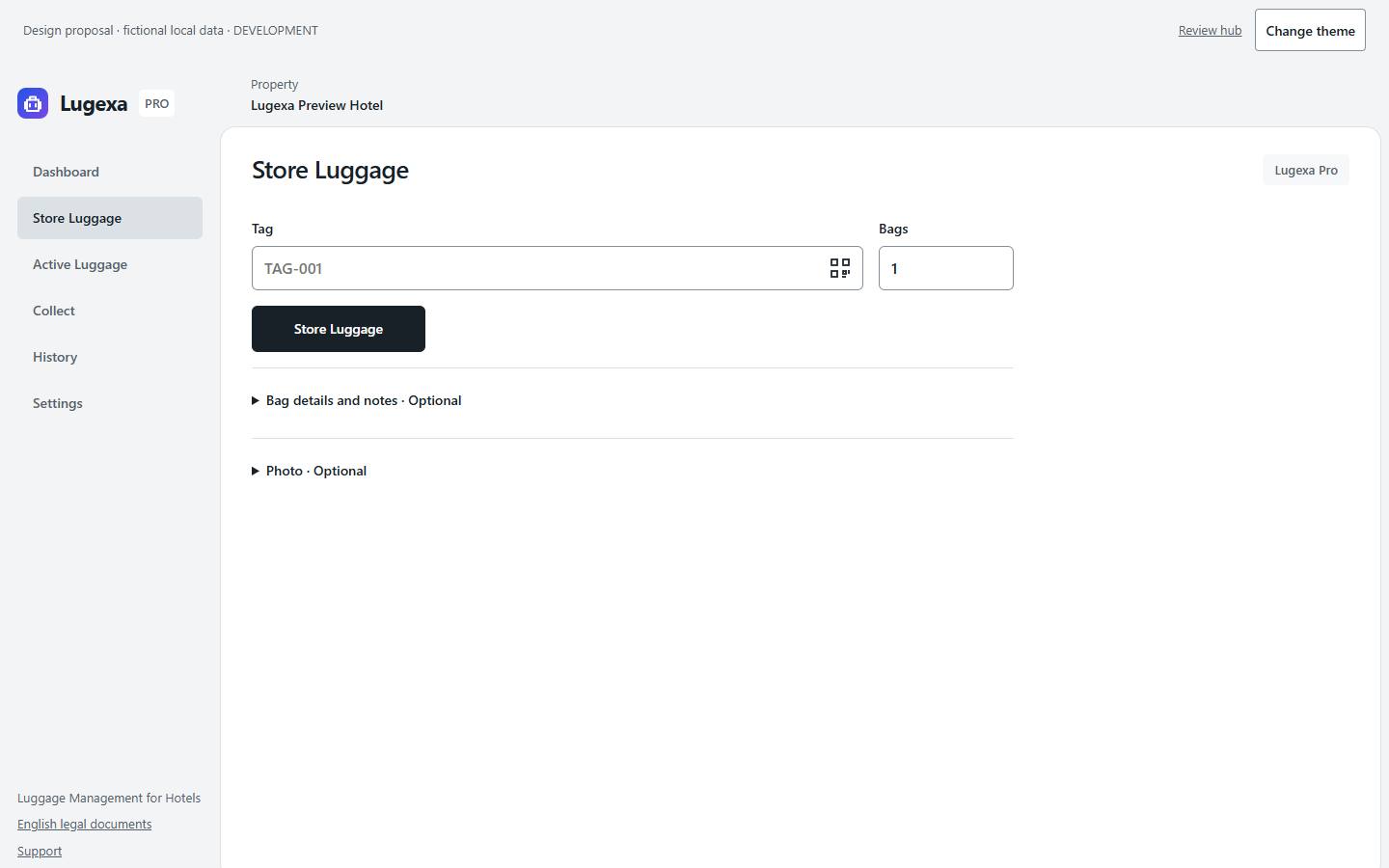
Store luggage
Enter a tag and bag count together. Add colour, size or a rack location to organise the luggage room. Photos are optional; each bag can be collected separately.
 Lugexa
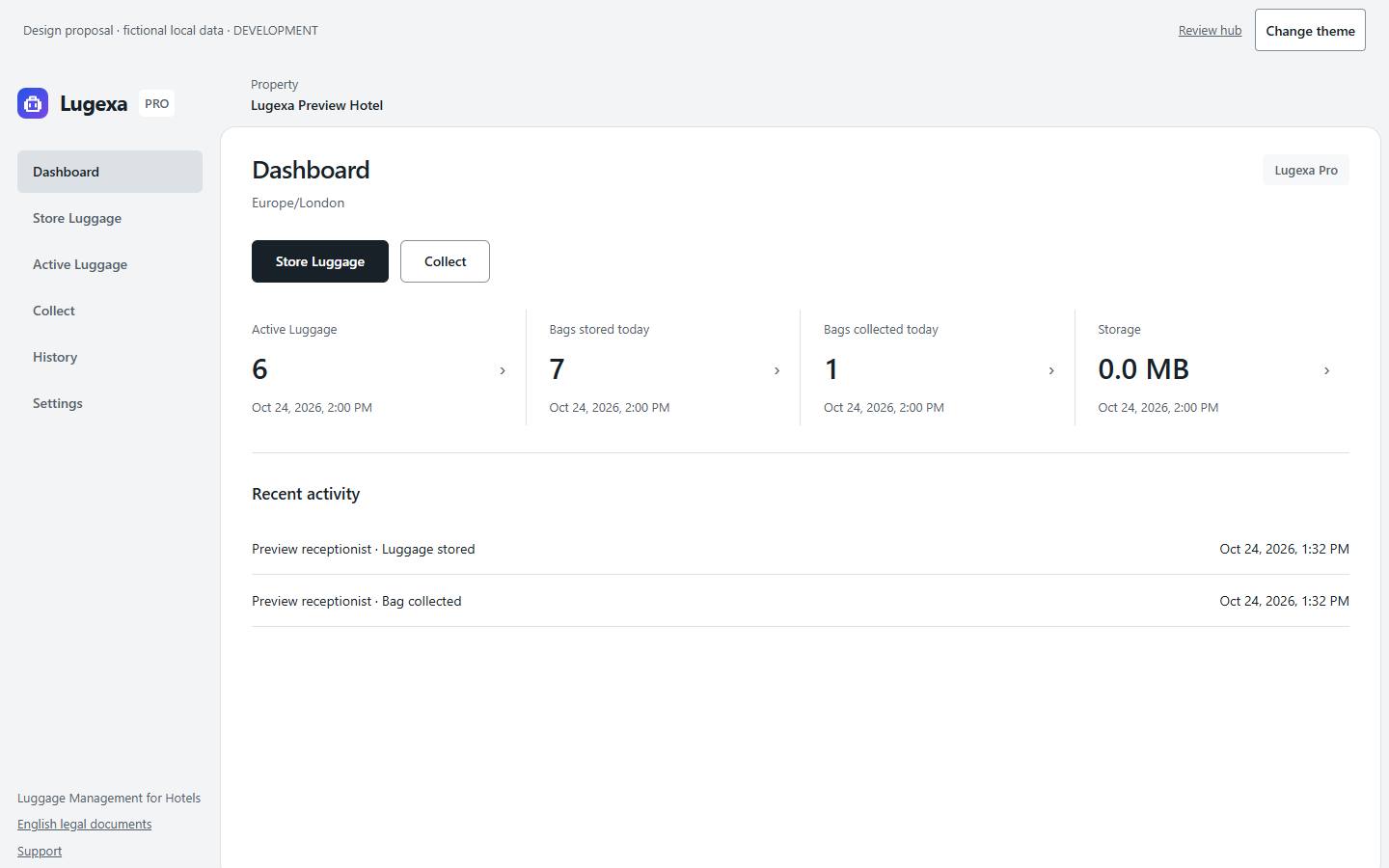
Give reception a clear route from luggage drop-off to collection. Record each bag, find its storage location and keep the handover history.
Enter a tag and bag count together. Add colour, size or a rack location to organise the luggage room. Photos are optional; each bag can be collected separately.
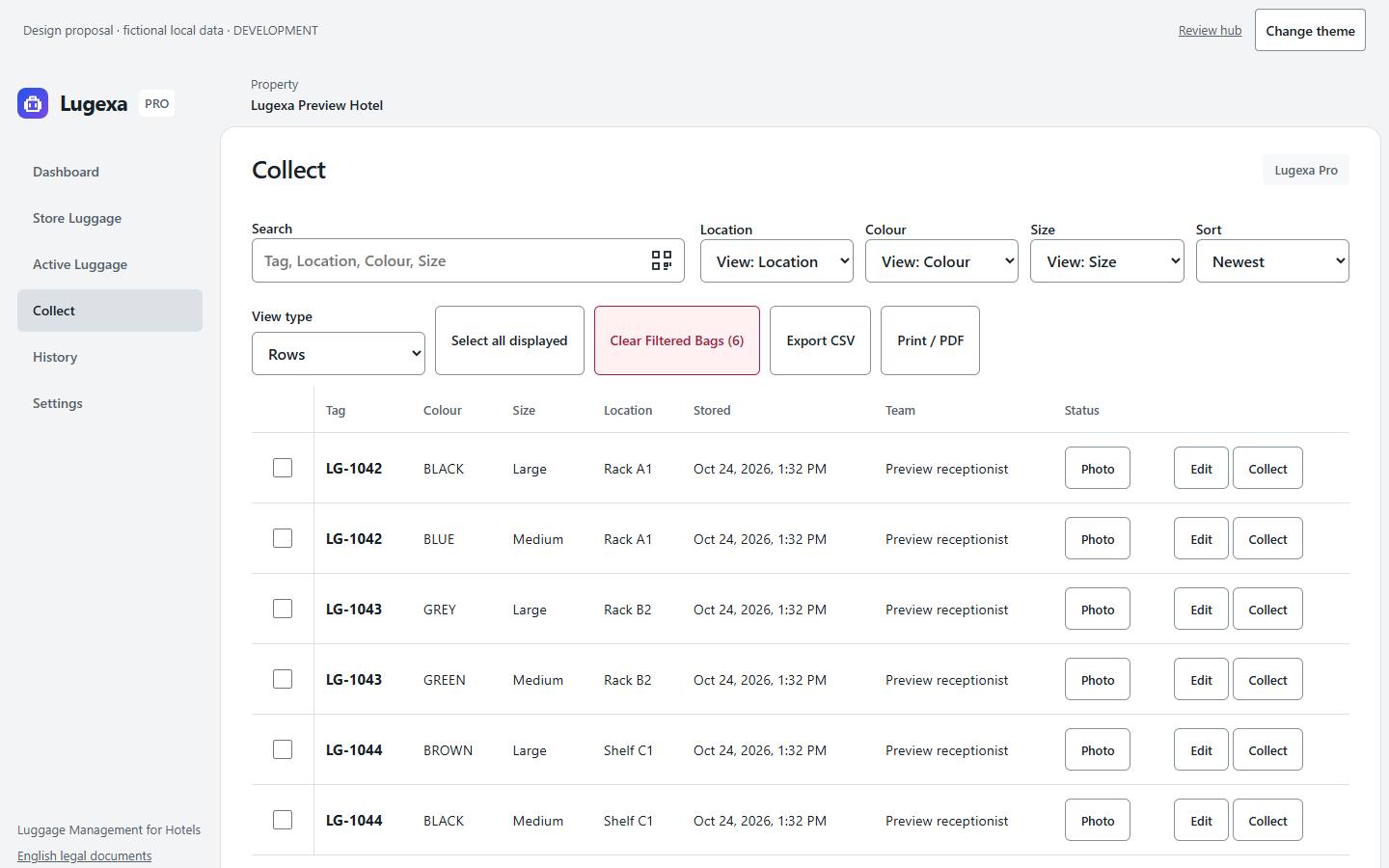
Find luggage by tag number, colour, size or location. Check each selected bag before handover and return one bag while keeping the rest in storage.
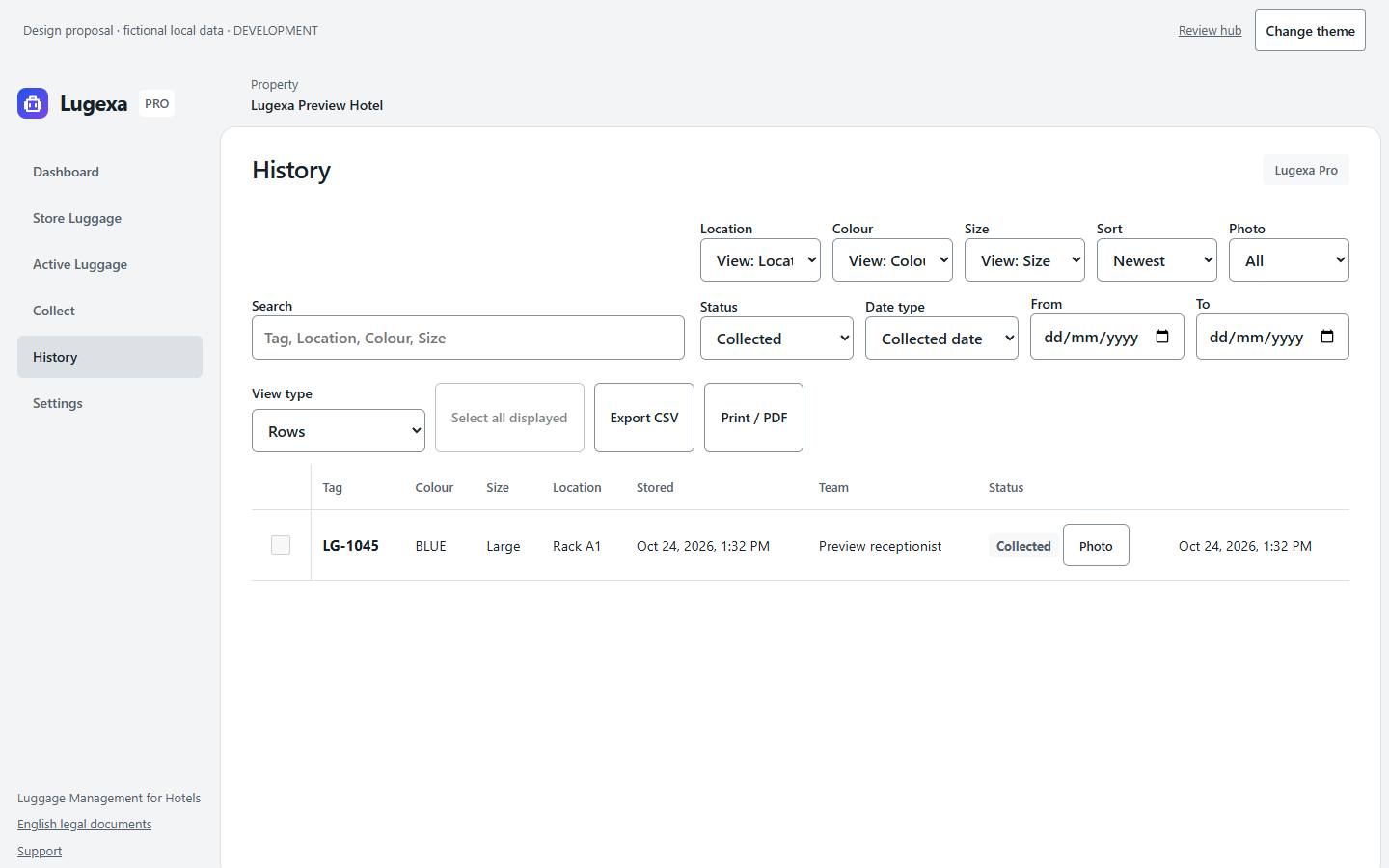
See what is still in the luggage room and what has been collected. Use dates and bag details to trace a handover when a guest asks.
Add an optional photo to help reception recognise a bag. View, replace or remove its current photo while keeping the luggage record and collection history.
Prepare a report of the luggage that matches your search and filters, for shift handovers or a luggage-room check.
Free uses one shared property account. Pro supports up to ten named users with roles, helping a reception team share the same luggage records.
Fictional local development previews. Public signup is not open.
Discuss your hotel’s luggage workflow. Public signup is not yet open.
support@lugexa.comStore a tag and bag count at drop-off. Use a rack or shelf location to organise the room, then search the tag when the guest returns. The dashboard shows active luggage and today’s storage and collection totals.
Free includes one property account, 100 MiB of photo storage and 24-hour photo retention. Pro development defaults include ten users, 10 GB of photo storage and 30-day retention. Public signup and billing remain closed; launch prices are not approved.
Camera devices, live photo failure paths, invitations, saved PDF reports, guest Wallet and recovery require their scoped verification before release.